Events
- With 'Community Calendar'
- Download iCalendar export
- Subscribe to iCalendar feed
May 19 1337 - May 25 1337
-
Sunday
May 19, 1337
No events scheduled today
-
Monday
May 20, 1337
No events scheduled today
-
Tuesday
May 21, 1337
No events scheduled today
-
Wednesday
May 22, 1337
No events scheduled today
-
Thursday
May 23, 1337
No events scheduled today
-
Friday
May 24, 1337
No events scheduled today
-
Saturday
May 25, 1337
No events scheduled today
Upcoming Events
-
ACE Tooth Extraction
ACE Tooth Extraction- 0 comments
Recent Event Reviews
-
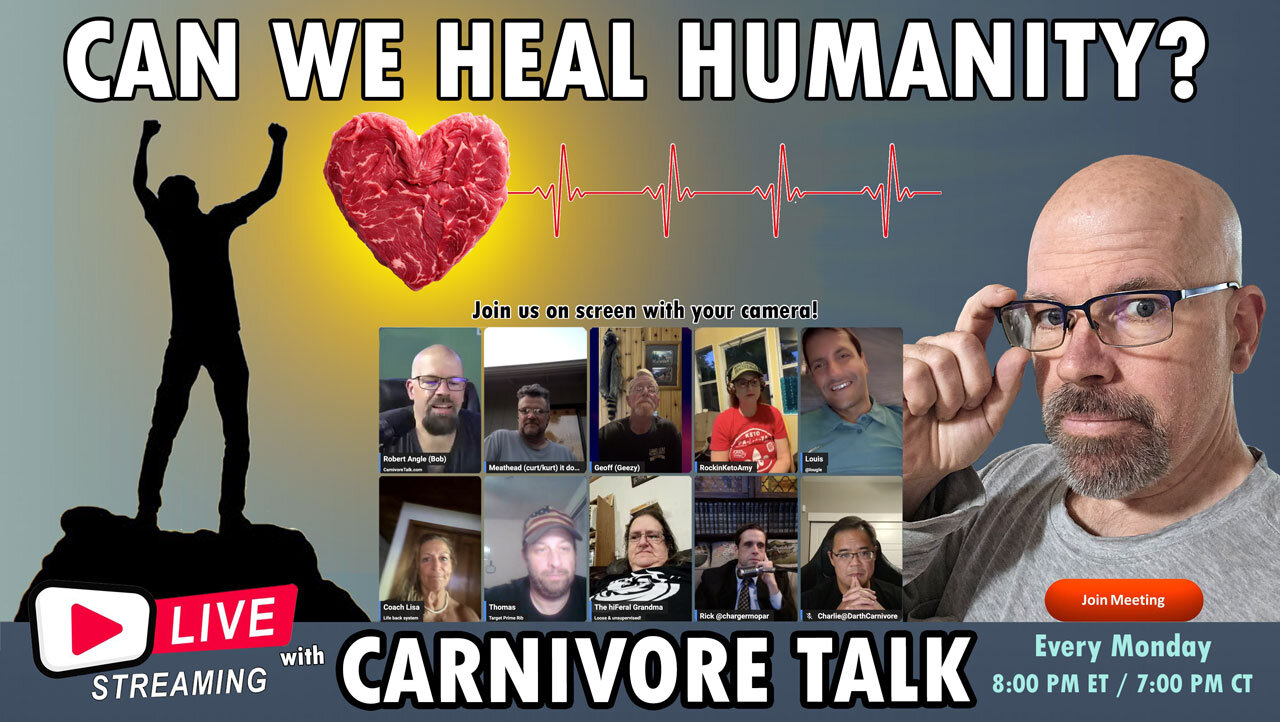
Is Carnivore Actually Healing Humanity?
I'm not totally sure as there's still alot of stupidity running rampant 😂
-
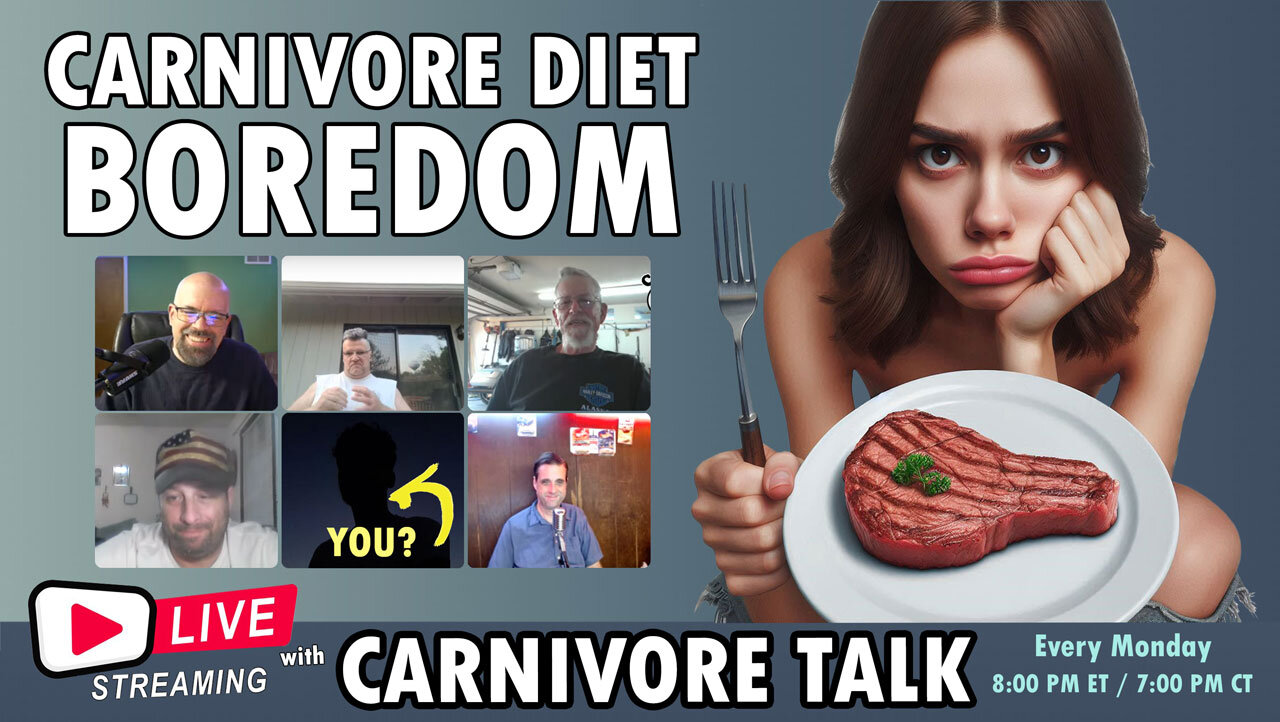
Tips for Carnivore Diet Boredom
Boredom sets in when your imagination combining different meats, cuts of meats with different cooking methods.
I wanted to share last nite I have a recipe I have to dial in with making asian meat balls.
Not your typical and definately adds variety in texture and flavor. -
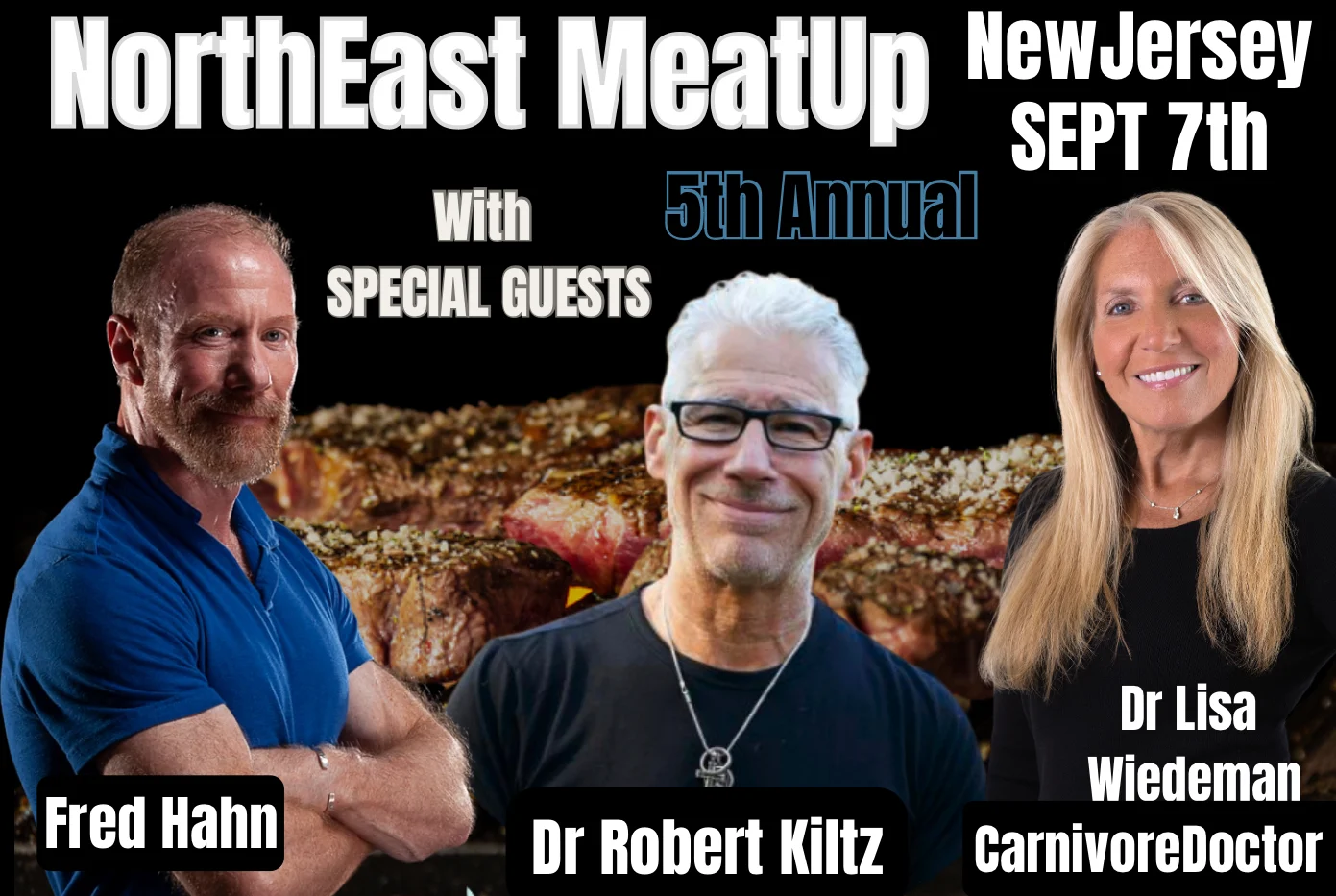
5th Annual NorthEast MeatUp
Just bought meat up tickets for my fiance and I. So excited to meet everyone. Marianne