Events
- With 'Community Calendar'
- Download iCalendar export
- Subscribe to iCalendar feed
Jan 21 1472 - Jan 27 1472
-
Sunday
January 21, 1472
No events scheduled today
-
Monday
January 22, 1472
No events scheduled today
-
Tuesday
January 23, 1472
No events scheduled today
-
Wednesday
January 24, 1472
No events scheduled today
-
Thursday
January 25, 1472
No events scheduled today
-
Friday
January 26, 1472
No events scheduled today
-
Saturday
January 27, 1472
No events scheduled today
Upcoming Events
-
ACE Tooth Extraction
ACE Tooth Extraction- 0 comments
Recent Event Reviews
-
Is Carnivore Actually Healing Humanity?
I'm not totally sure as there's still alot of stupidity running rampant 😂
-
Tips for Carnivore Diet Boredom
Boredom sets in when your imagination combining different meats, cuts of meats with different cooking methods.
I wanted to share last nite I have a recipe I have to dial in with making asian meat balls.
Not your typical and definately adds variety in texture and flavor. -
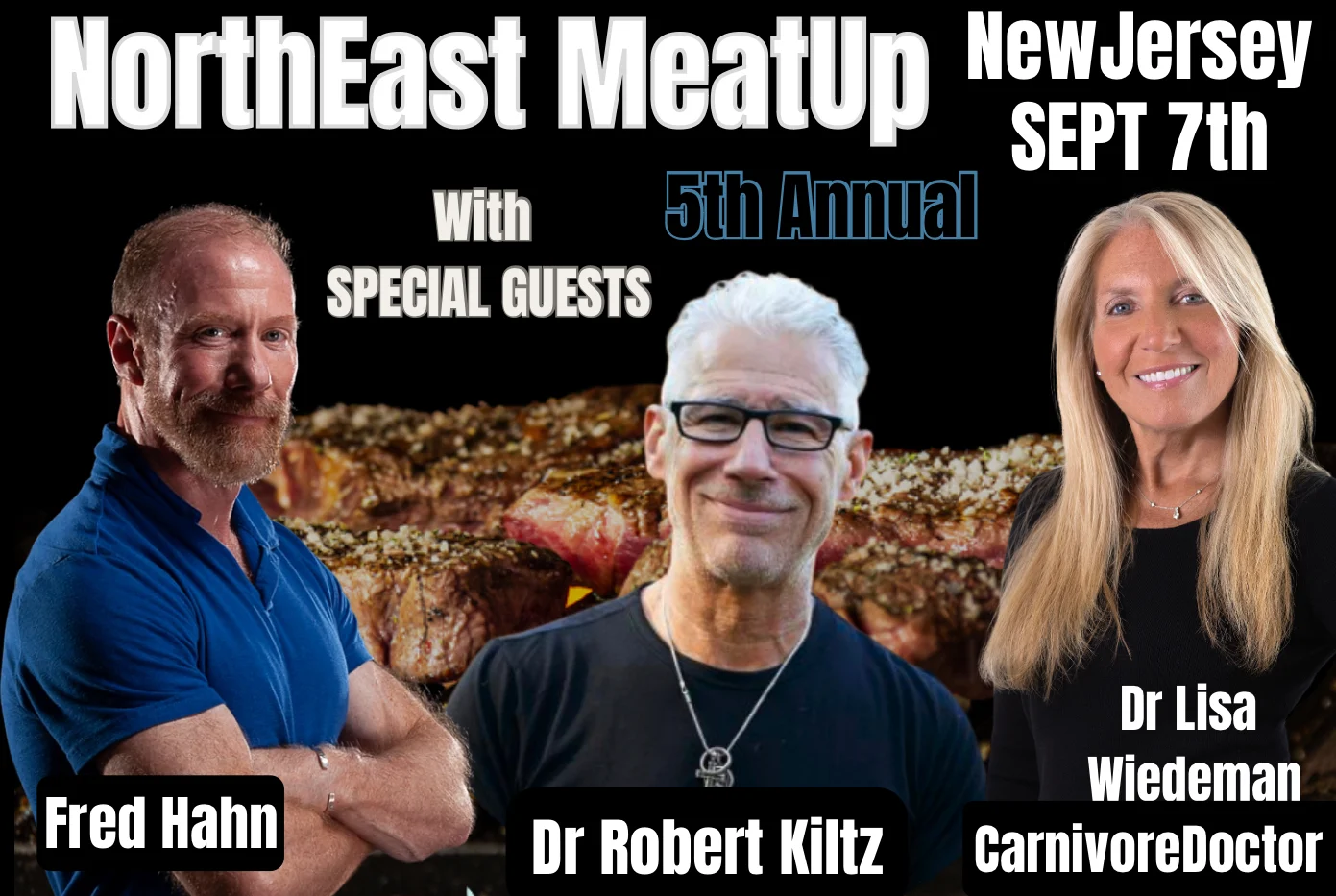
5th Annual NorthEast MeatUp
Just bought meat up tickets for my fiance and I. So excited to meet everyone. Marianne