Events
- With 'Community Calendar'
- Download iCalendar export
- Subscribe to iCalendar feed
Oct 10 1294 - Oct 16 1294
-
Sunday
October 10, 1294
No events scheduled today
-
Monday
October 11, 1294
No events scheduled today
-
Tuesday
October 12, 1294
No events scheduled today
-
Wednesday
October 13, 1294
No events scheduled today
-
Thursday
October 14, 1294
No events scheduled today
-
Friday
October 15, 1294
No events scheduled today
-
Saturday
October 16, 1294
No events scheduled today
Upcoming Events
-
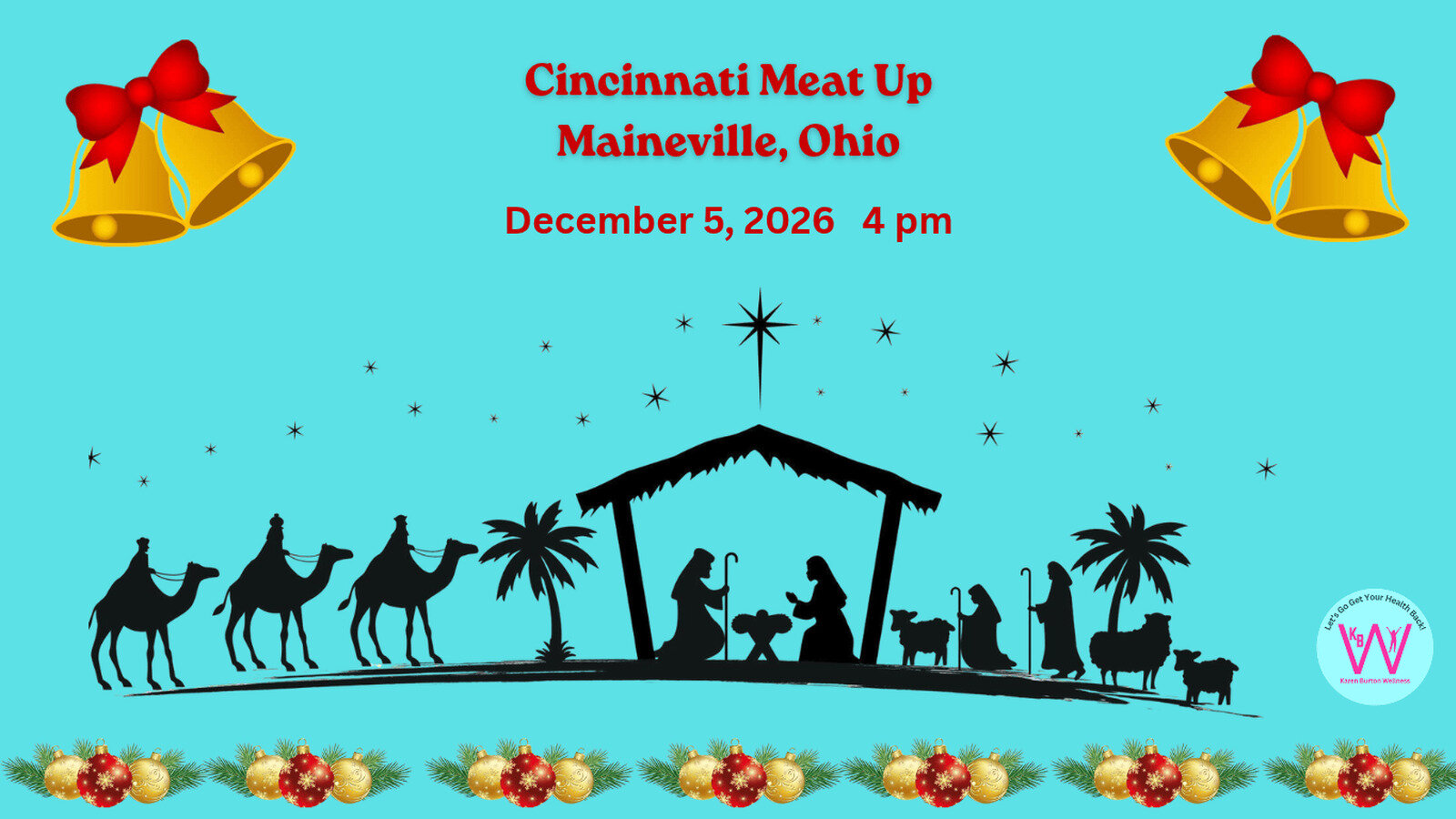
Cincinnati Meat Up Christmas Party
Karen Burton is hosting this informal Cincinnati-area meat-up as a Christmas potluck in Maineville, Ohio, on December 5, 2026, starting at 4:00 p.m. Eastern. The street address is sent after you register, and people following a meat-based, low-carb, keto, or carnivore way of eating are welcome. Register and get the details on the official page.
https://karenburtonwellness.com/cincinnati-meat-ups
Image: Karen Burton Wellness
- 0 comments
-
Chicago Holiday KMT MeatUp
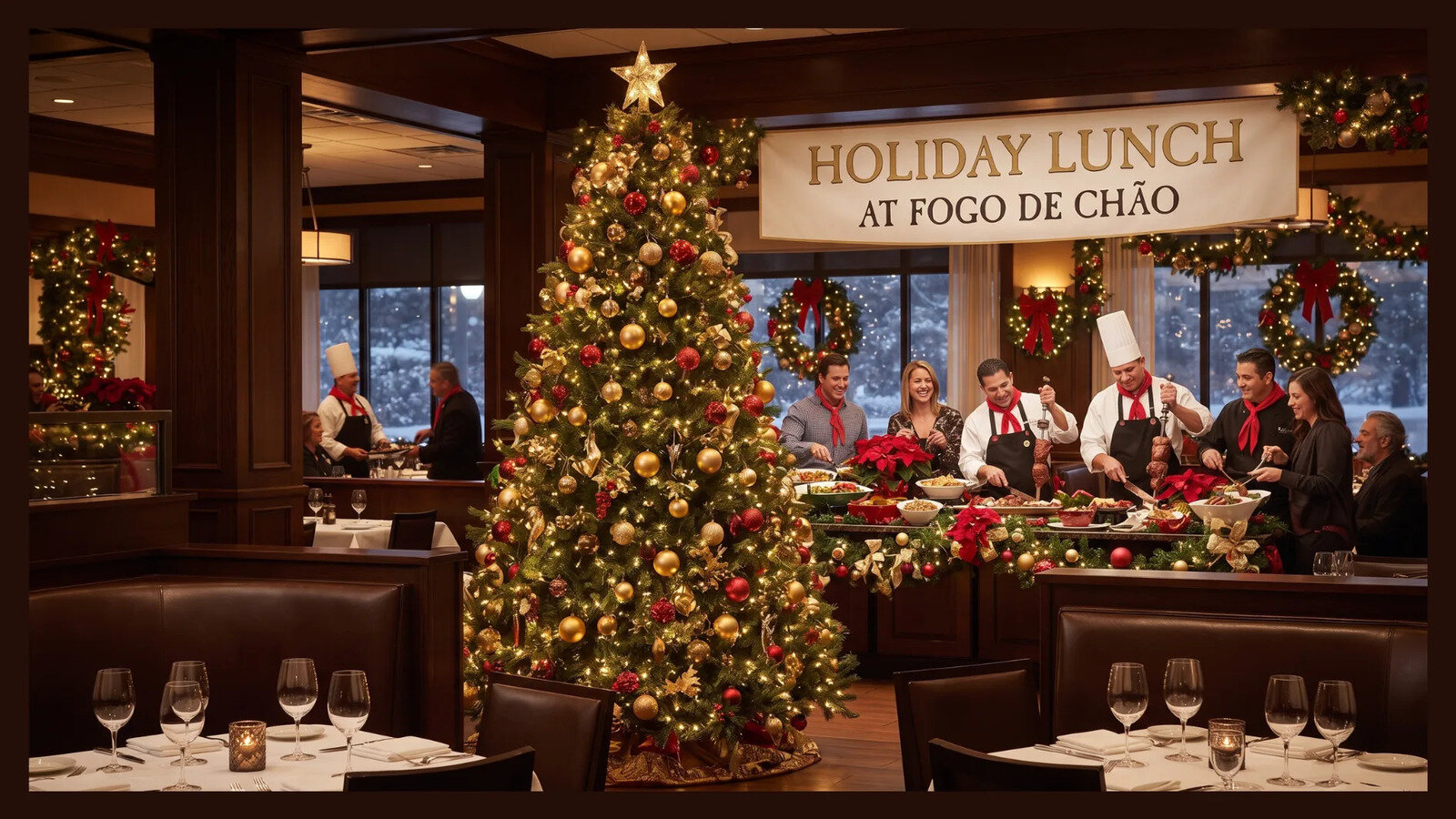
The Kiltz Mighty Tribe is gathering for a holiday meal at Fogo de Chão in Rosemont, Illinois, on December 20, 2026, from 12:00 p.m. to 7:00 p.m. Central. Hosts include KMT Community Director Alia and special guest Jenny Mitich, and seating is limited to 50 guests. Tickets and details are on the official event page.
https://kiltzhealth.com/events/chicago-holiday-kmt-meatup
Image: Kiltz Health
- 0 comments
-
Punta Cana All-Inclusive Meat Up Trip 2027
Dr. Lisa Wiedeman, the Carnivore Doctor, is hosting an adults-only, all-inclusive resort trip in Punta Cana, Dominican Republic, from January 16 to 23, 2027. It's billed as a laid-back meat-up for carnivore, keto and animal-based eaters, and friends and family who eat differently are welcome too. The resort name and pricing aren't posted yet, so check the organizer's site or contact Dr. Lisa for booking details.
https://carnivore-beach-retreat.mailchimpsites.com/
Image: CarnivoreTalk
- 0 comments
-
2027 San Antonio Symposium for Metabolic Health
LowCarbUSA and the Society of Metabolic Health Practitioners are holding this accredited symposium at the Plaza Hotel in San Antonio on January 29–31, 2027. It can be attended in person or by livestream. The official page currently lists in-person tickets at $499 and livestream tickets at $99; confirm the current price before you register.
LowCarbUSA®
San Antonio 2027 Symposium for Metabolic Health |LowCarbUSA®
Join leading experts at the Boca 2027 Metabolic Health Symposium, January 29-31, 2027, at The Boca Raton Marriott Hotel.
- 0 comments
-
Panama Canal Meat Eater Cruise 2027
Dr. Lisa Wiedeman of Carnivore Beach Retreat is hosting a full-transit Panama Canal cruise on Island Princess, sailing from Fort Lauderdale on February 14, 2027, and arriving in Los Angeles on March 1. Cabins and current pricing are handled directly with the organizer. Details and booking information are on the official page.
PANAMA CANAL CRUISE 2027
- 0 comments

Recent Event Reviews
-
Is Carnivore Actually Healing Humanity?
I'm not totally sure as there's still alot of stupidity running rampant 😂
-
Tips for Carnivore Diet Boredom
Boredom sets in when your imagination combining different meats, cuts of meats with different cooking methods.
I wanted to share last nite I have a recipe I have to dial in with making asian meat balls.
Not your typical and definately adds variety in texture and flavor. -
5th Annual NorthEast MeatUp
Just bought meat up tickets for my fiance and I. So excited to meet everyone. Marianne