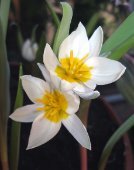
The things that make life better for me: the piano, growing things, reading, thermal socks, and oxtail.
Important Information
We have placed cookies on your device to help make this website better. You can adjust your cookie settings, otherwise we'll assume you're okay to continue.