Events
- With 'Community Calendar'
- Download iCalendar export
- Subscribe to iCalendar feed
Jun 26 1357 - Jul 02 1357
-
Sunday
June 26, 1357
No events scheduled today
-
Monday
June 27, 1357
No events scheduled today
-
Tuesday
June 28, 1357
No events scheduled today
-
Wednesday
June 29, 1357
No events scheduled today
-
Thursday
June 30, 1357
No events scheduled today
-
Friday
July 01, 1357
No events scheduled today
-
Saturday
July 02, 1357
No events scheduled today
Upcoming Events
-
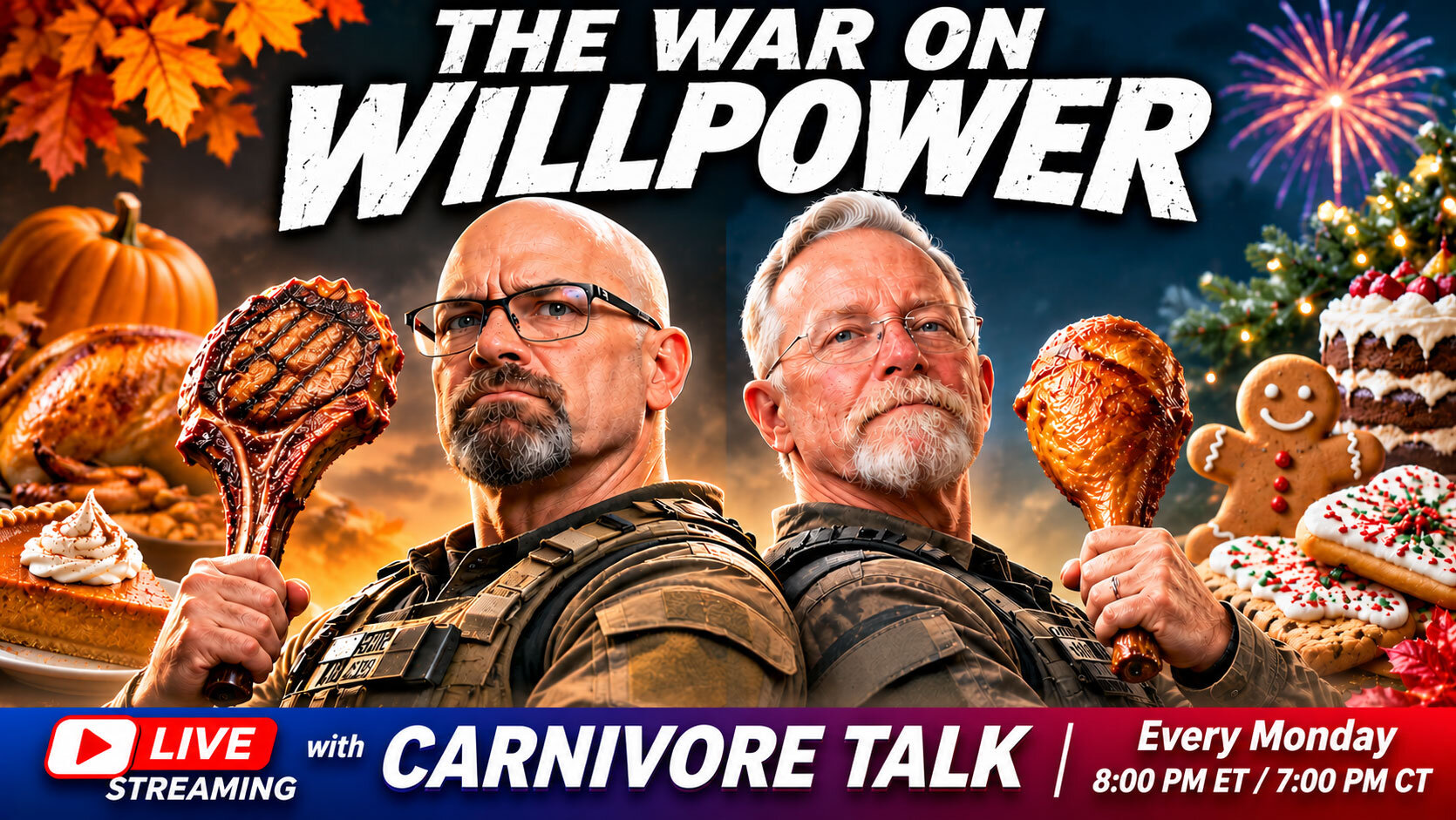
Thanksgiving to New Year's: The Carnivore Danger Zone
Thanksgiving is just the beginning! From now until New Year's, we're entering six weeks of holiday feasts, family gatherings, Christmas cookies, office parties, and seemingly endless temptation. For those of us following a carnivore or ketogenic diet, it's the ultimate war on willpower!
But does enjoying the holidays mean sacrificing your health and undoing months of progress? Should you remain strictly carnivore, allow yourself a little flexibility, or indulge in a planned cheat meal? And what happens when one cheat meal turns into six weeks of bad eating?
You don't have to choose between enjoying the holidays and enjoying good health. With a little preparation and the right mindset, you can have a wonderful holiday season without sacrificing everything you've worked so hard to achieve.
WATCH: https://www.youtube.com/live/1Lom-AK9wvw
#CarnivoreDiet #CarnivoreTalk #Thanksgiving #KetoDiet #LowCarb #FoodCravings #HolidayEating #MeatBasedDiet
- 0 comments
-
ACE Tooth Extraction
ACE Tooth Extraction- 0 comments
Recent Event Reviews
-
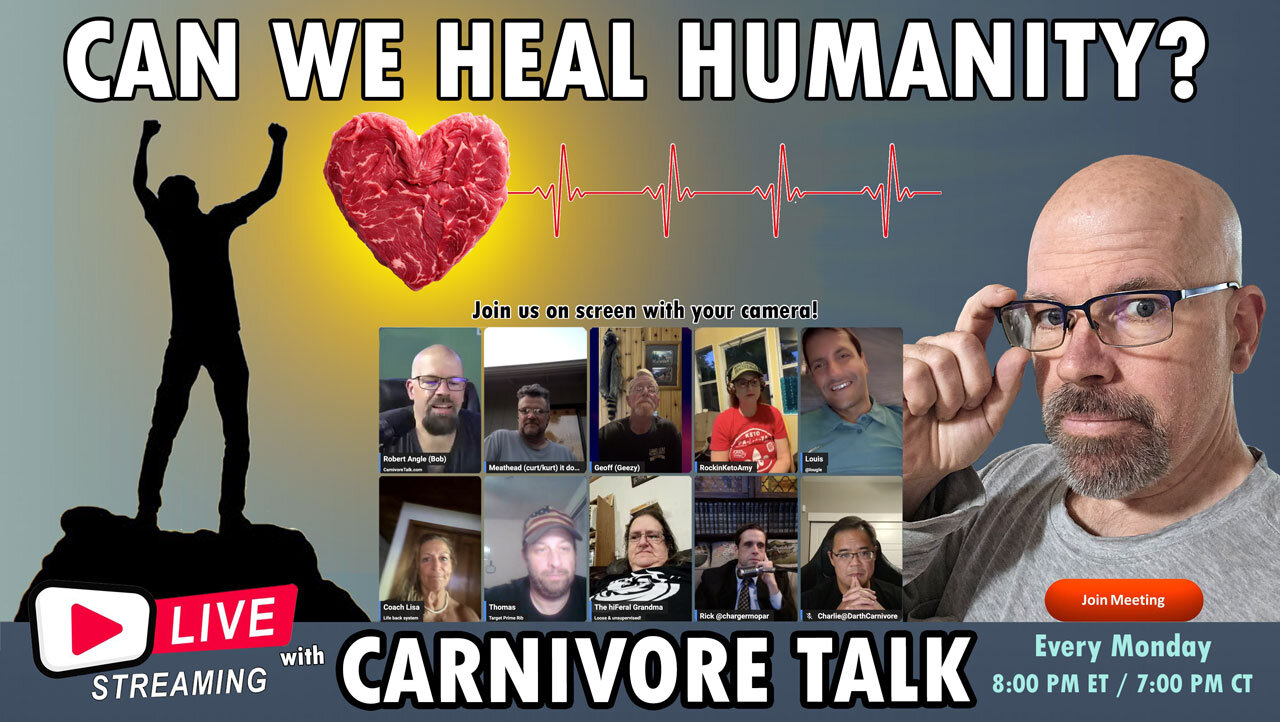
Is Carnivore Actually Healing Humanity?
I'm not totally sure as there's still alot of stupidity running rampant 😂
-
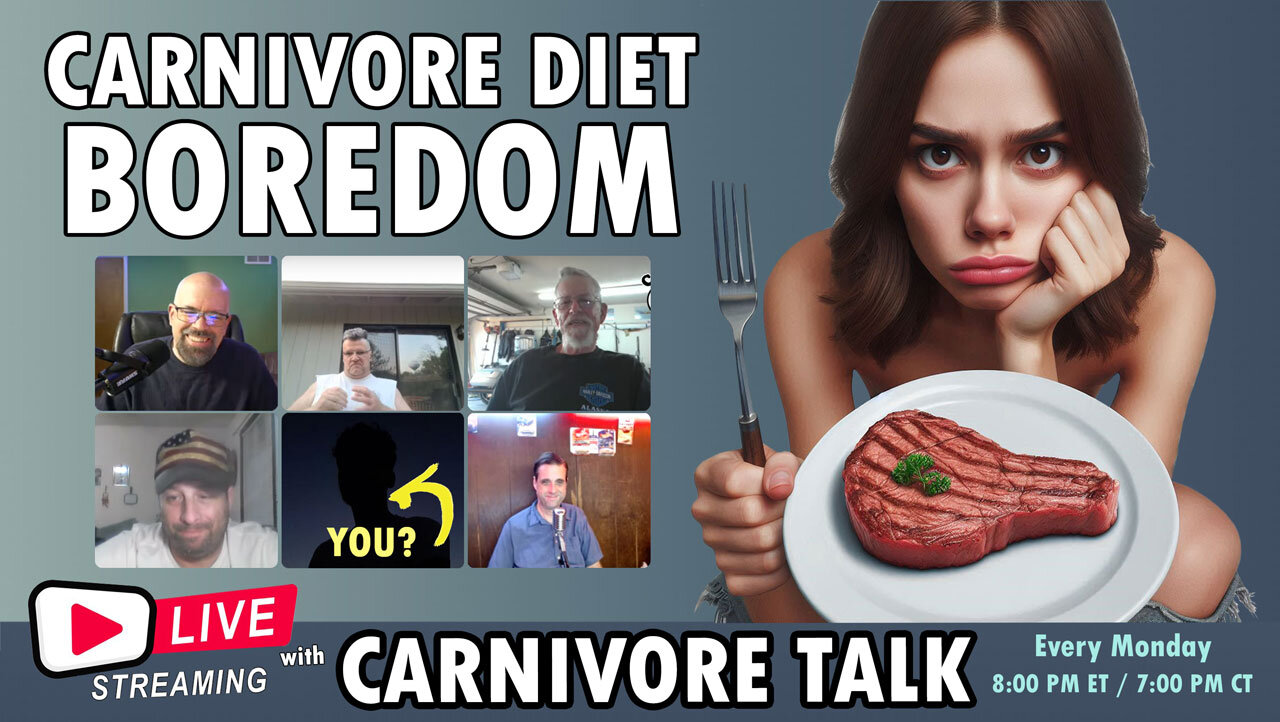
Tips for Carnivore Diet Boredom
Boredom sets in when your imagination combining different meats, cuts of meats with different cooking methods.
I wanted to share last nite I have a recipe I have to dial in with making asian meat balls.
Not your typical and definately adds variety in texture and flavor. -
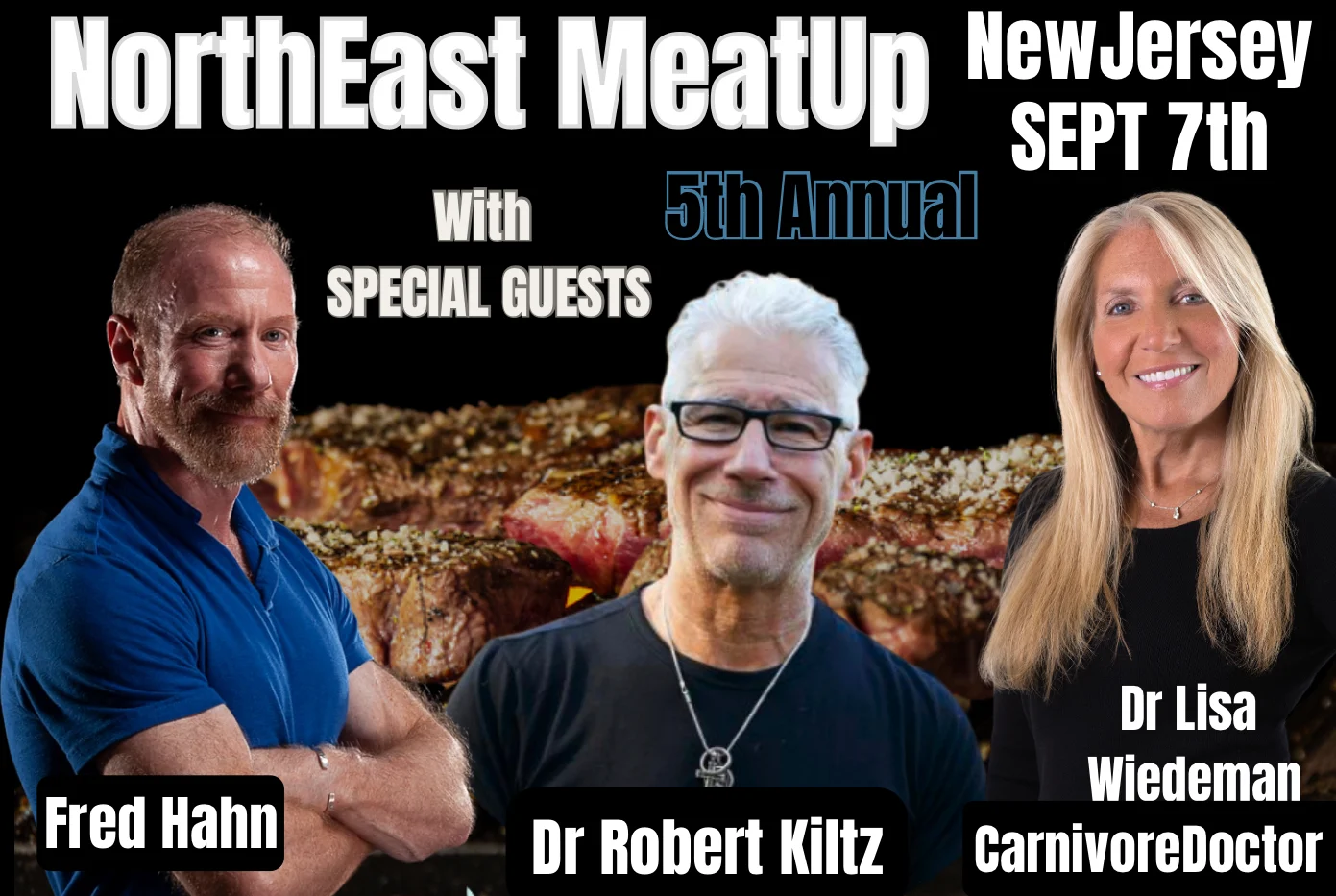
5th Annual NorthEast MeatUp
Just bought meat up tickets for my fiance and I. So excited to meet everyone. Marianne