Events
- With 'Community Calendar'
- Download iCalendar export
- Subscribe to iCalendar feed
Dec 30 1579 - Jan 05 1580
-
Sunday
December 30, 1579
No events scheduled today
-
Monday
December 31, 1579
No events scheduled today
-
Tuesday
January 01, 1580
No events scheduled today
-
Wednesday
January 02, 1580
No events scheduled today
-
Thursday
January 03, 1580
No events scheduled today
-
Friday
January 04, 1580
No events scheduled today
-
Saturday
January 05, 1580
No events scheduled today
Upcoming Events
-
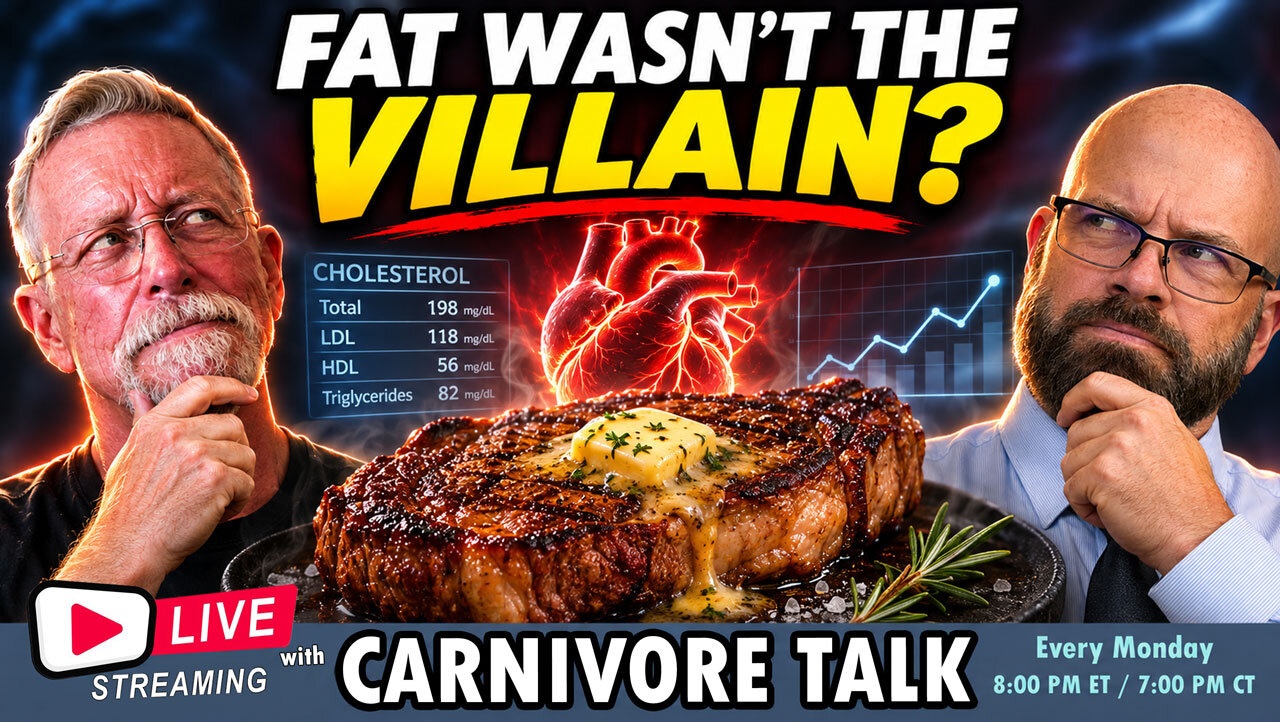
New Study Challenges What We've Been Told About Saturated Fat
New Study Challenges What We've Been Told About Saturated Fat
We've been told for decades that eating too much saturated fat raises cholesterol and puts our hearts at risk. But a newly published analysis of a two-year Norwegian clinical trial is raising some interesting questions about that familiar advice.
The CARBFUNC trial followed adults assigned to three different diets, including a low-carbohydrate, high-fat diet designed to provide a whopping 75% of calories from fat, with approximately 30% coming from saturated fat!
And the cholesterol results? Well, they might surprise you!
https://www.youtube.com/watch?v=oosb1LwnNNk
While LDL cholesterol increased, researchers also observed some remarkable differences in other cardiovascular risk markers:
🥩 Triglycerides decreased.
❤️ HDL cholesterol increased.
📉 Remnant cholesterol and triglyceride-rich lipoproteins decreased.
🔬 ApoB did not show a statistically significant increase within the low-carb group.
So what does this mean? Have we been looking at saturated fat and cholesterol through the wrong lens? Should LDL cholesterol alone determine how we judge a diet, or is there more to the story?
Tonight on Carnivore Talk Monday Night Live, Bob and Geoff examine the findings of this new research, what they could mean for the keto and carnivore communities, and what the study does—and doesn't—tell us about cardiovascular health.
And as always, this isn't just about what WE think. We want to hear from YOU!
Have your cholesterol numbers changed since starting carnivore or keto? Have your triglycerides improved? Has your doctor questioned your diet because of your LDL cholesterol?
Join us in the live chat, or come up on screen and share your experiences, opinions, and questions!
🔴 LIVE EVERY MONDAY
🕗 8:00 PM Eastern / 7:00 PM Central
📚 Research discussed:
Lipid dynamics and cardiovascular risk profiles on carbohydrate- or saturated fat-based diets: secondary analysis of the CARBFUNC trial
Published in eBioMedicine, October 2026.
https://doi.org/10.1016/j.ebiom.2026.106524
You are precious. Stay the course. Let meat be thy medicine.
#CarnivoreDiet #KetoDiet #SaturatedFat #Cholesterol #LowCarb #HeartHealth #CarnivoreTalk
- 0 comments
-
ACE Tooth Extraction
ACE Tooth Extraction- 0 comments
Recent Event Reviews
-
Is Carnivore Actually Healing Humanity?
I'm not totally sure as there's still alot of stupidity running rampant 😂
-
Tips for Carnivore Diet Boredom
Boredom sets in when your imagination combining different meats, cuts of meats with different cooking methods.
I wanted to share last nite I have a recipe I have to dial in with making asian meat balls.
Not your typical and definately adds variety in texture and flavor. -
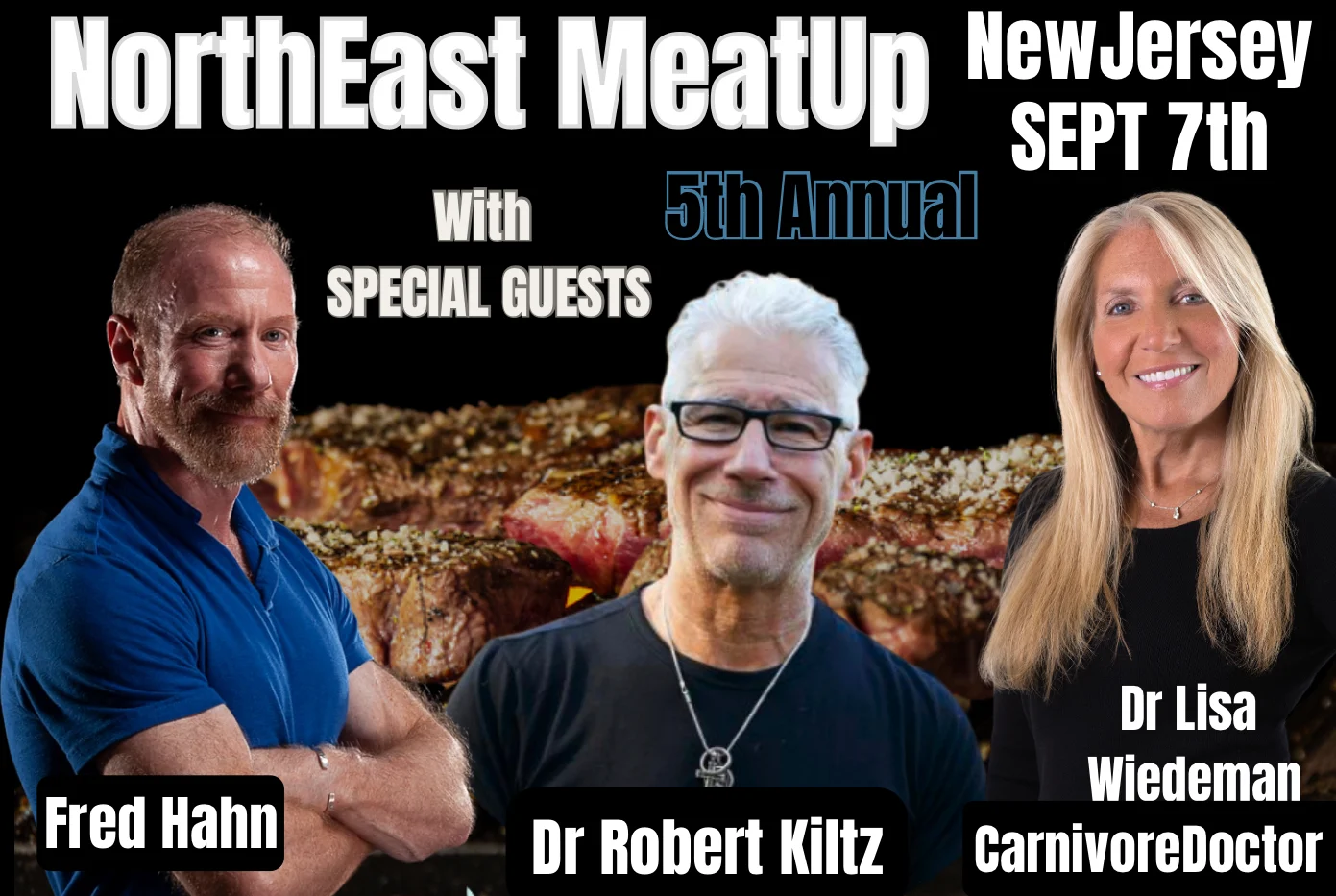
5th Annual NorthEast MeatUp
Just bought meat up tickets for my fiance and I. So excited to meet everyone. Marianne