Events
- With 'Community Calendar'
- Download iCalendar export
- Subscribe to iCalendar feed
Feb 20 2524 - Feb 26 2524
-
Sunday
February 20, 2524
No events scheduled today
-
Monday
February 21, 2524
No events scheduled today
-
Tuesday
February 22, 2524
No events scheduled today
-
Wednesday
February 23, 2524
No events scheduled today
-
Thursday
February 24, 2524
No events scheduled today
-
Friday
February 25, 2524
No events scheduled today
-
Saturday
February 26, 2524
No events scheduled today
Upcoming Events
-
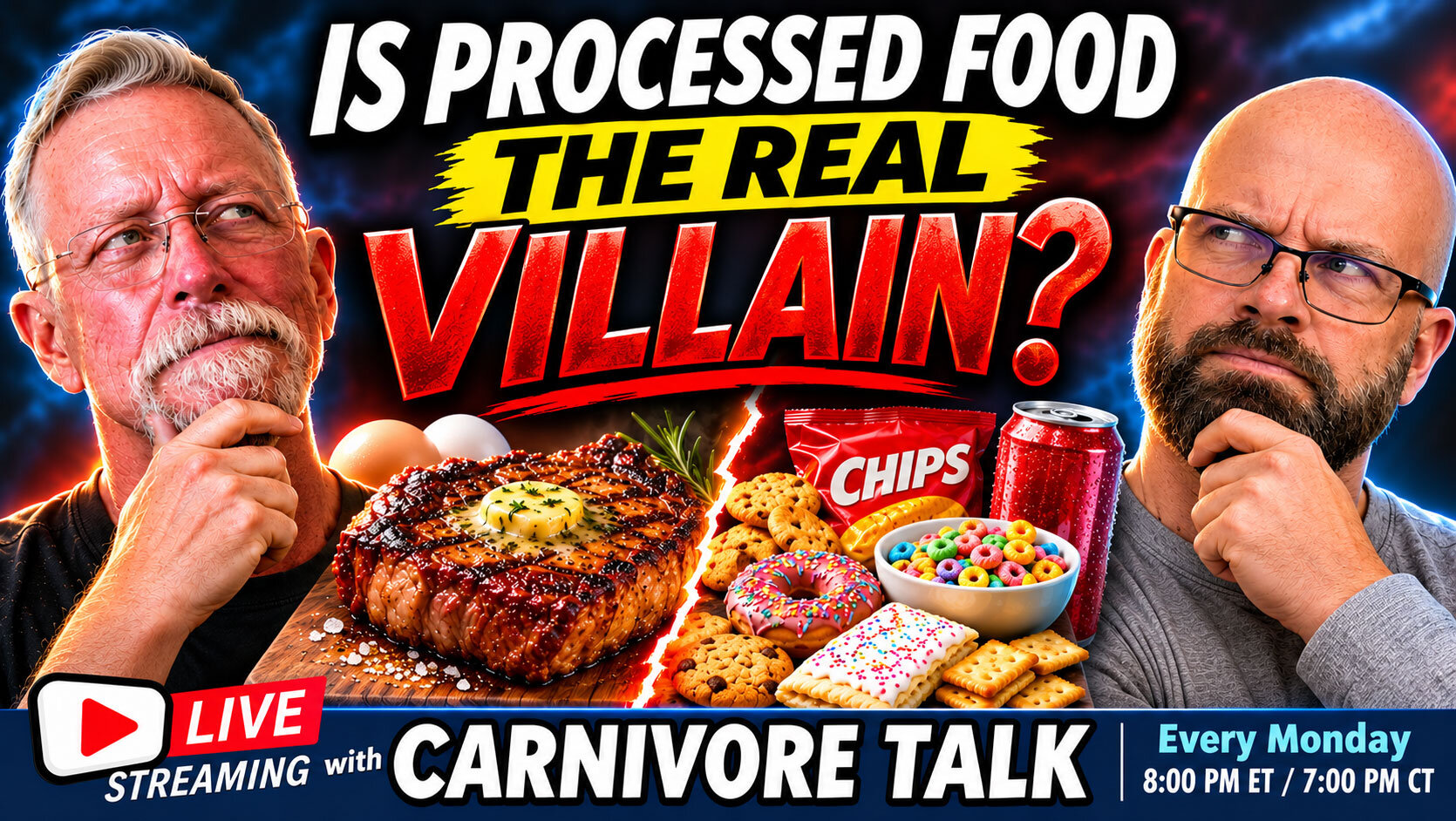
Are We Blaming Meat for What Ultra-Processed Food Does?
Are We Blaming Meat for What Ultra-Processed Food Does?
For decades, red meat and saturated fat have been blamed for everything from heart disease to diabetes. But what if we've been pointing the finger at the wrong foods all along?
WATCH: https://www.youtube.com/watch?v=8yd5hAj-lRQ
Last week on Carnivore Talk, we examined new research challenging conventional assumptions about saturated fat. This week, we're following the evidence in another intriguing direction: Could ultra-processed foods be the REAL villains behind many of our modern health problems?
New research from University College London and Imperial College London examined the blood chemistry of approximately 6,000 adults and identified distinct metabolic signatures associated with ultra-processed versus minimally processed foods. These patterns were also associated with the long-term risk of cardiovascular disease and type 2 diabetes.
Here's what makes this particularly interesting: The associations weren't fully explained by the usual suspects—sugar, salt, and saturated fat.
So, have we spent decades worrying about the wrong things?
Tonight, Bob and Geoff explore what the research actually discovered and what it might mean for people following carnivore, ketogenic, and other whole-food diets.
🥩 Some of the questions we'll explore:
Are red meat and animal fats being unfairly blamed for problems associated with ultra-processed foods?
What did researchers discover when they examined the metabolic fingerprints of different dietary patterns?
Why might two foods with similar calories and nutrients produce different effects in the body?
Is food processing itself a more important factor than we've been led to believe?
Could eliminating ultra-processed foods explain some of the remarkable improvements people report after adopting a carnivore diet?
And as always, we want to hear from YOU!
Have you experienced dramatic health improvements after eliminating processed foods? Do you believe we've been blaming meat for problems caused by the modern industrial food supply?
Join Bob, Geoff, and the Carnivore Talk community for our weekly LIVE roundtable discussion. Share your thoughts in the chat, ask questions, or grab your camera and microphone and join us onscreen!
📅 Monday, November 9, 2026
🕗 8:00 PM Eastern / 7:00 PM Central
🎥 JOIN US ONSCREEN AS A GUEST:
https://carnivoretalk.com/events/
🥩 JOIN OUR FREE CARNIVORE COMMUNITY:
https://www.CarnivoreTalk.com
🛍️ VISIT THE CARNIVORE TALK SHOP:
Show off your carnivore lifestyle with our exclusive apparel, merchandise, and meat-loving designs!
https://shop.carnivoretalk.com/
⭐ JOIN THIS CHANNEL TO GET ACCESS TO PERKS!
https://www.youtube.com/channel/UCeAwaxsqfNEK4ZtfWX3Dz3g/join
🔔 Subscribe to Carnivore Talk for weekly discussions about carnivore, keto, metabolic health, nutrition research, and the benefits of a meat-centered lifestyle.
#CarnivoreDiet #UltraProcessedFoods #CarnivoreTalk #KetoDiet #SaturatedFat #MetabolicHealth #RealFood #AnimalBased
- 0 comments
-
ACE Tooth Extraction
ACE Tooth Extraction- 0 comments
Recent Event Reviews
-
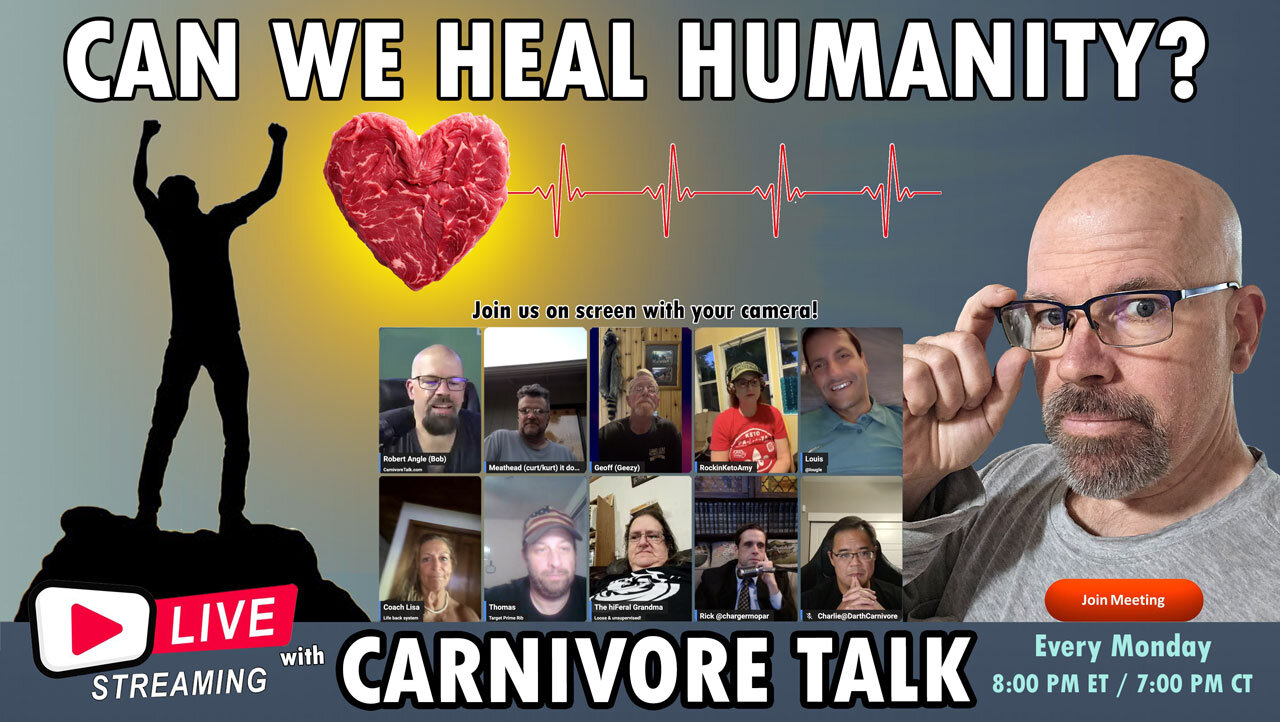
Is Carnivore Actually Healing Humanity?
I'm not totally sure as there's still alot of stupidity running rampant 😂
-
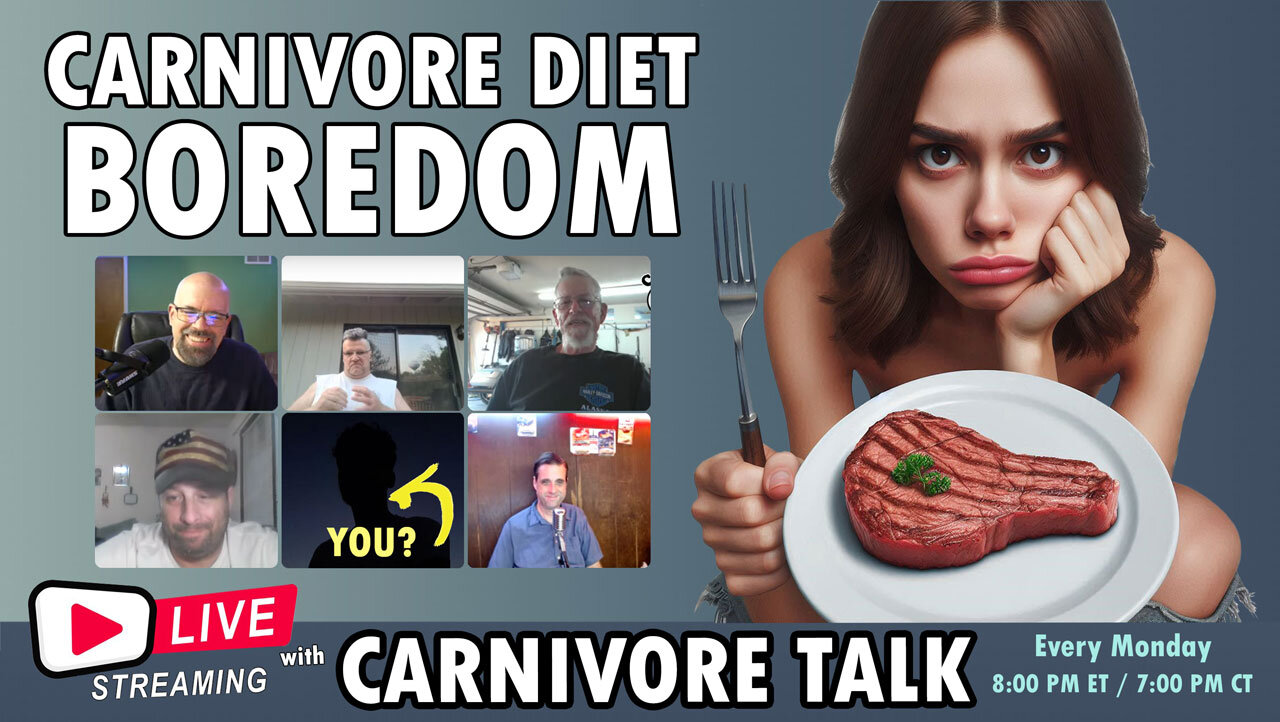
Tips for Carnivore Diet Boredom
Boredom sets in when your imagination combining different meats, cuts of meats with different cooking methods.
I wanted to share last nite I have a recipe I have to dial in with making asian meat balls.
Not your typical and definately adds variety in texture and flavor. -
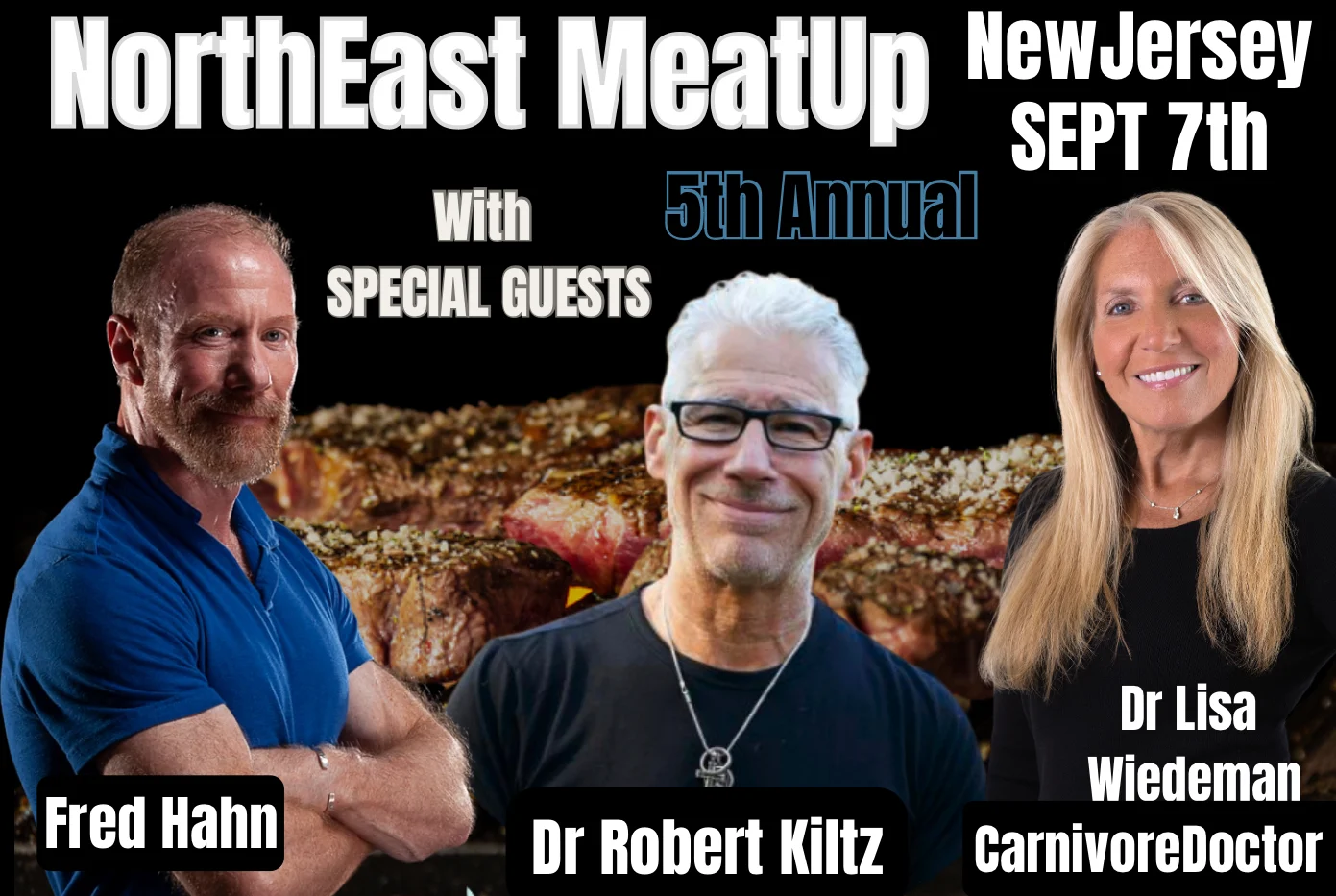
5th Annual NorthEast MeatUp
Just bought meat up tickets for my fiance and I. So excited to meet everyone. Marianne