Events
- With 'Community Calendar'
- Download iCalendar export
- Subscribe to iCalendar feed
May 19 2611 - May 25 2611
-
Sunday
May 19, 2611
No events scheduled today
-
Monday
May 20, 2611
No events scheduled today
-
Tuesday
May 21, 2611
No events scheduled today
-
Wednesday
May 22, 2611
No events scheduled today
-
Thursday
May 23, 2611
No events scheduled today
-
Friday
May 24, 2611
No events scheduled today
-
Saturday
May 25, 2611
No events scheduled today
Upcoming Events
-
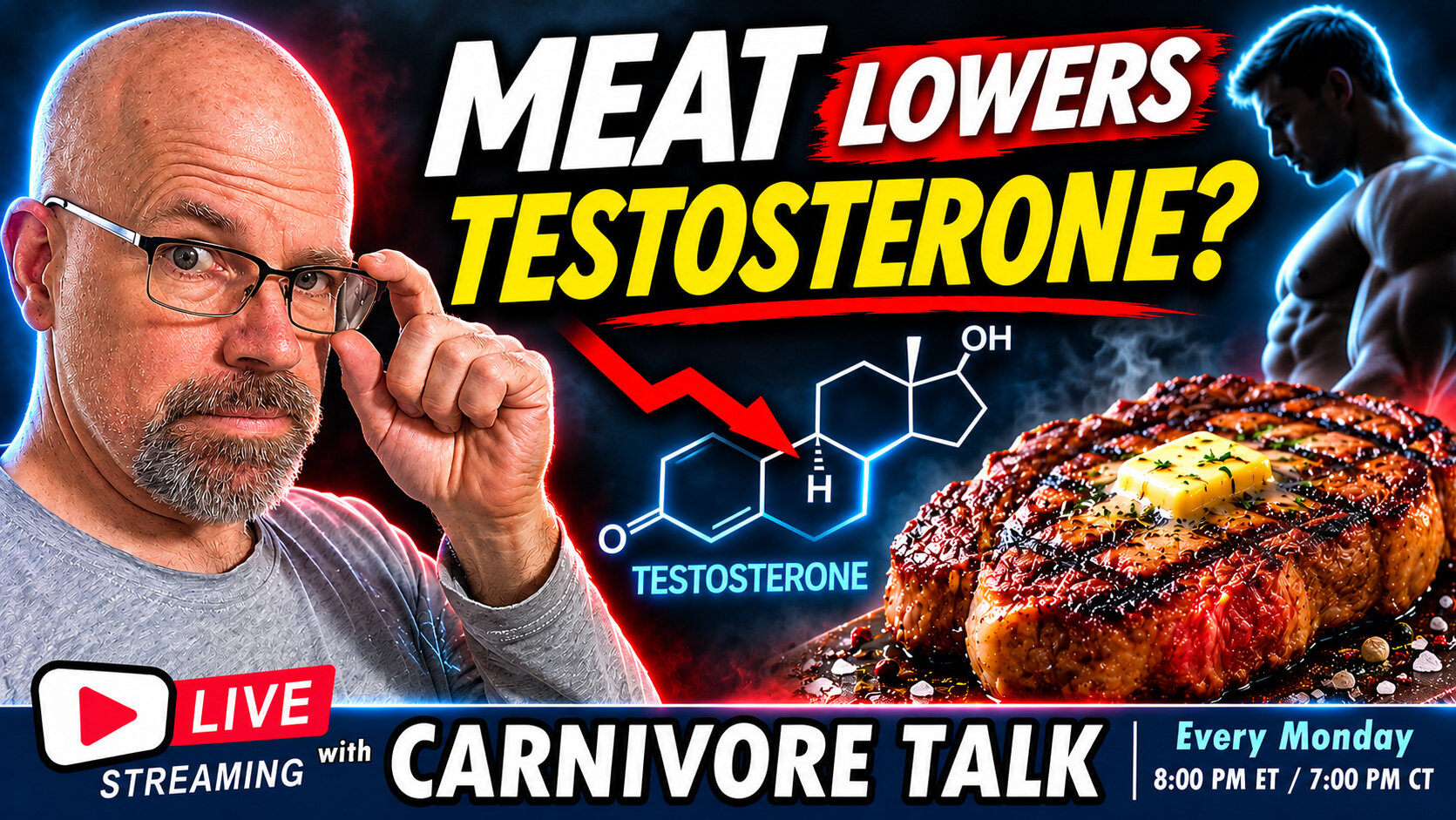
Does eating MEAT lower testosterone?
A new study is raising eyebrows in the carnivore community!
Researchers at the University of Eastern Finland examined more than 2,500 middle-aged men and found that higher animal protein consumption was associated with slightly LOWER testosterone levels, while plant protein was associated with higher levels.
😲 But here's the interesting part...
When researchers looked more closely, DAIRY protein appeared to be driving much of the association. Meat protein itself was NOT significantly associated with lower total testosterone!
So what's really going on? Is meat getting an undeserved bad rap? Does protein source actually affect male hormones? And how much can we really conclude from observational nutrition research?
WATCH: https://www.youtube.com/live/3NEQukf8xf0?si=m2kJxwIq0QyAtTQA
- 0 comments
-
ACE Tooth Extraction
ACE Tooth Extraction- 0 comments
Recent Event Reviews
-
Is Carnivore Actually Healing Humanity?
I'm not totally sure as there's still alot of stupidity running rampant 😂
-
Tips for Carnivore Diet Boredom
Boredom sets in when your imagination combining different meats, cuts of meats with different cooking methods.
I wanted to share last nite I have a recipe I have to dial in with making asian meat balls.
Not your typical and definately adds variety in texture and flavor. -
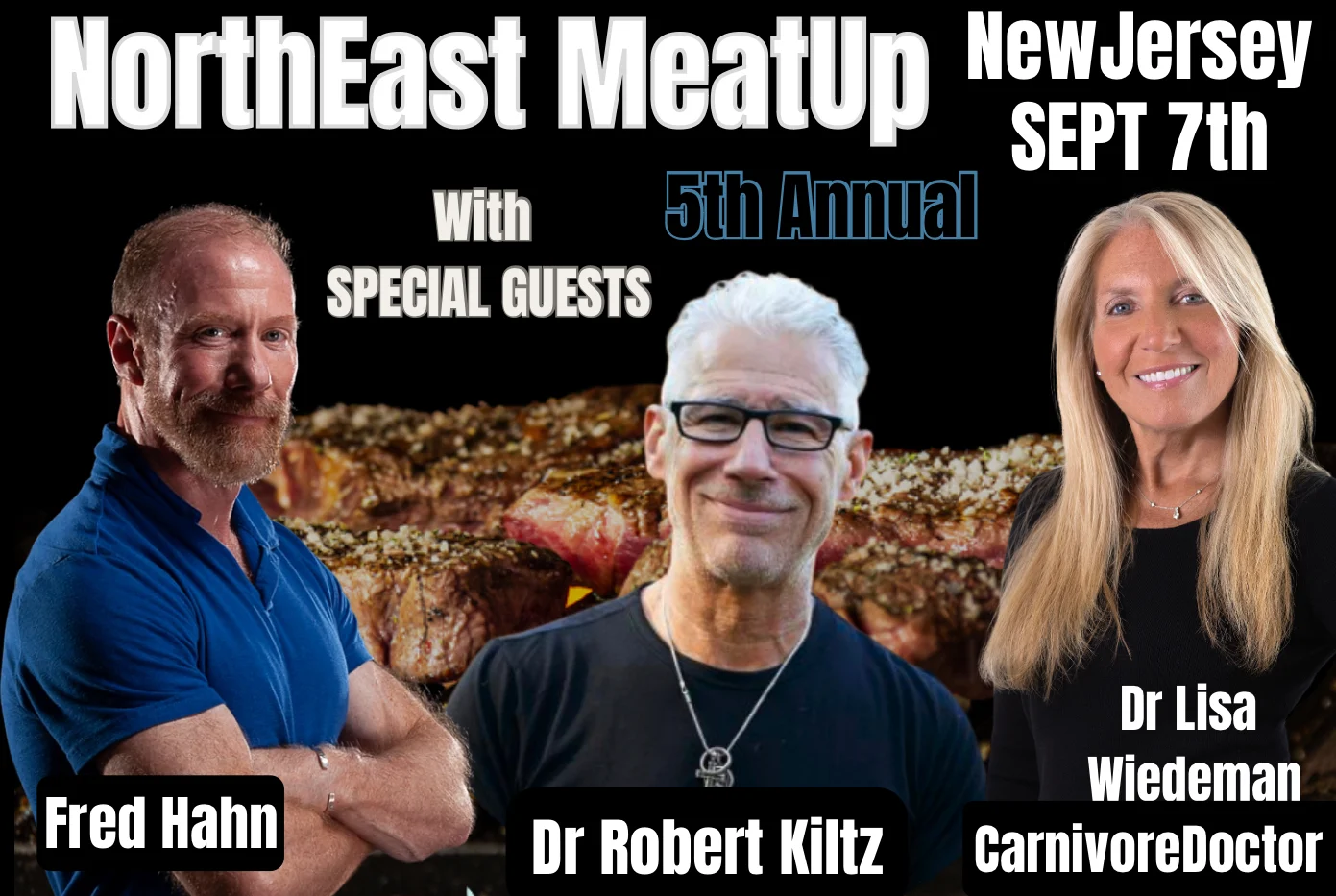
5th Annual NorthEast MeatUp
Just bought meat up tickets for my fiance and I. So excited to meet everyone. Marianne