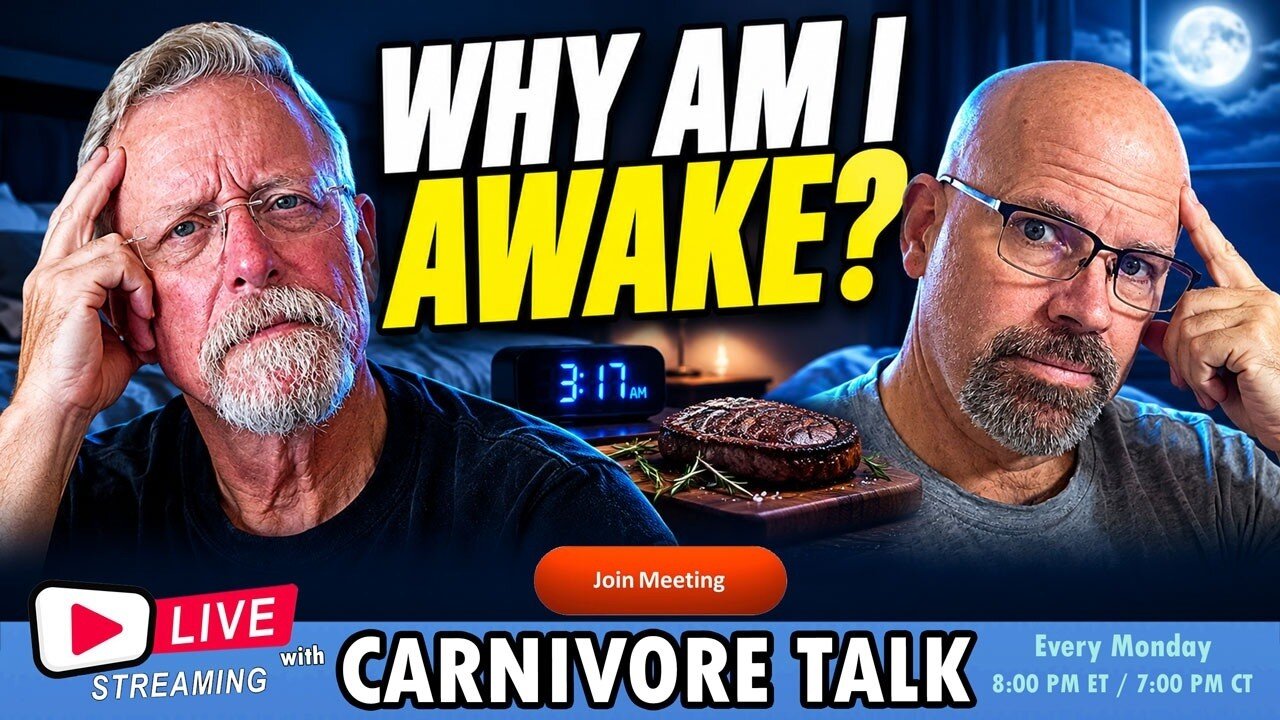

Why are some people sleeping like a baby on the carnivore diet while others are lying awake at 3 AM, staring at the ceiling?
Sleep problems are a frustrating complaint we hear from some people following a carnivore or ketogenic diet. Trouble falling asleep, waking up in the middle of the night, and feeling exhausted the next day can make you question whether something about your diet needs to change.
Tonight on Carnivore Talk, Bob and Geoff dig into the possible reasons behind sleep disturbances on carnivore. Is it the adjustment to very low carbohydrate intake? Electrolyte changes? Not eating enough? Meal timing? Or could something else be going on entirely?
🥩 In this livestream, we'll discuss:
Why some people report insomnia after starting carnivore or keto
Whether carbohydrate restriction can affect sleep quality and sleep stages
The potential roles of food intake, fasting, hydration, and electrolytes
Popular suggestions like magnesium, increasing fat intake, changing meal timing, or adding carbohydrates
What the available research actually tells us—and what remains anecdotal
Practical troubleshooting steps to consider when your sleep goes sideways
When persistent sleep problems may deserve a closer look beyond diet
Does carnivore improve your sleep, wreck it, or make no difference at all? Experiences vary, and we want to hear yours. Drop a comment and tell us what happened when you changed your diet—and what, if anything, helped.
Our goal isn't to blame carnivore for every sleepless night or dismiss people who are struggling. It's to examine the evidence, separate plausible explanations from internet folklore, and explore what might help.
⚠️ A quick health note: Sleep problems can have many causes. Anyone considering electrolyte or mineral supplements—especially people with kidney disease, high blood pressure, heart conditions, or medications that affect fluid and electrolyte balance—should get individualized medical guidance rather than supplementing blindly.
Join the conversation, share your experience, and let's talk about getting better sleep.
Welcome to Carnivore Talk!
HERE'S HOW TO JOIN US ONSCREEN AS A GUEST...
https://carnivoretalk.com/events/
LET'S DO A VIDEO TOGETHER!
Have YOU had success with a meat-based keto, ketovore, carnivore, carnivore-centric, or animal-based diet? Let's do a video together! Contact me using this form...
https://carnivoretalk.com/contact/
JOIN THIS CHANNEL TO GET ACCESS TO PERKS!
https://www.youtube.com/channel/UCeAwaxsqfNEK4ZtfWX3Dz3g/join
VISIT OUR FREE KETO/CARNIVORE COMMUNITY!
HAVE YOUR QUESTION ANSWERED IN A FUTURE VIDEO:
Click the link below to leave us a Voicemail, and we might feature your question on the next episode of Carnivore Talk.
https://carnivoretalk.com/voicemail/
DISCLAIMER:
The Carnivore Talk website, and its audio and video content are for general informational purposes only. The use of the information found within our content or from materials linked to from our content is at the user’s own risk. The content published by Carnivore Talk is not intended to be a substitute for professional medical advice, diagnosis, or treatment. Users should seek the assistance of their health care professionals to obtain medical advice and to diagnose or treat any condition. We are NOT doctors!
#CarnivoreTalk #CarnivoreDiet #CarnivoreTalk #Keto #Sleep #Insomnia
Recommended Comments
Join the conversation
You are posting as a guest. If you have an account, sign in now to post with your account.
Note: Your post will require moderator approval before it will be visible.